
Setup Guide
“Setup Guide – Quick & Easy IPTV Installation Instructions”
Get started in minutes with our simple device-by-device Setup Guide.
🚀 Welcome to the Official Setup Guide!
Get Started in Minutes on Any Device
📘 Welcome to the official Setup Guide for IPTV UK Services — your step-by-step path to nonstop entertainment.
🖥️ Whether you stream on a Firestick, Smart TV, Android Box, iPhone, PC, or MAG Device, setting up takes only a few minutes.
👌 No technical skills required — just follow our simple instructions, and you’ll be watching your favorite live TV, movies, and sports in no time.

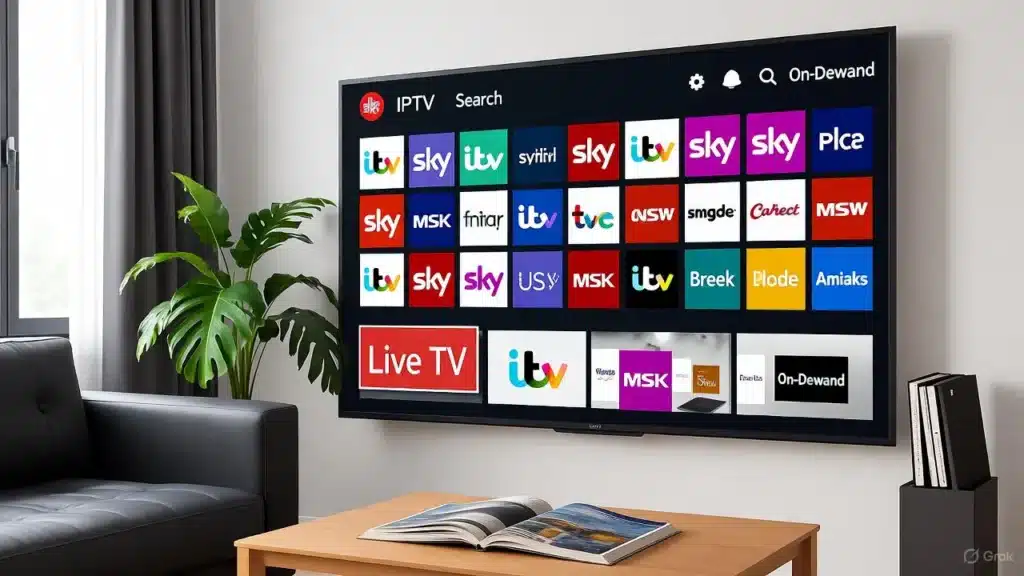
📝 Quick Setup Checklist!
🔑 Before You Begin
📩 Activation Details Ready: Make sure you have received your M3U URL, username, and password.
⚡ Internet Speed Check: At least 10 Mbps recommended for smooth HD / 4K streaming.
📶 Stable Connection: Use a strong Wi-Fi or wired Ethernet connection for best performance.
🎮 Device Ready: Have your remote, app store access, or required apps ready to install.
⚙️ IPTV UK Services – Complete Setup Guide
🔥 Amazon Firestick / Fire TV Setup
Here is your Amazon Firestick / Fire TV Stick Setup Guide:
Step 1 – Prepare Your Device
⚙️ From the home screen, go to Settings → My Fire TV → Developer Options.
🔓 Enable Apps from Unknown Sources.
Step 2 – Download the Downloader App
🔍 Search for Downloader in the Amazon App Store.
⬇️ Install and open it.
Step 3 – Install IPTV Smarters Pro
🌐 In the Downloader URL field, type:
https://www.iptvsmarters.com/smarters.apk
📲 Once downloaded, install and open.
Step 4 – Enter Your Credentials
🧾 Choose Login with Xtream Codes API.
📝 Enter the username, password, and URL from your IPTV email.
▶️ Click Add User → wait a few seconds → enjoy streaming.
💡 Tip: For best results, reboot your Fire TV Stick after installation.




⚙️ IPTV UK Services – Complete Setup Guide
🤖 Android Box / Android TV Setup
Here is your Android Box / Android TV Setup Guide:
Step 1 – Open Google Play Store
🔍 Search IPTV Smarters Pro or TiviMate IPTV Player.
⬇️ Install your preferred app.
Step 2 – Launch the App & Add Playlist
▶️ Open the app → select Login with Xtream Codes.
📝 Input your server URL, username, and password.
Step 3 – Enjoy Streaming
✔️ Click Login, allow it to load channels, and you’re ready to watch.
Alternative Apps:
Perfect Player, OTT Navigator, XCIPTV.
⚙️ IPTV UK Services – Complete Setup Guide
🖥️ Smart TV (Samsung, LG, Sony, etc.)
Here is your Smart TV (Samsung, LG, Son,y etc.) Setup Guide:
Step 1 – Find the App Store
🛒 Samsung TV: Smart Hub Store
🛍️ LG TV: LG Content Store
🛒 Sony TV: Google Play Store
Step 2 – Install an IPTV App
⭐ Recommended: Smart STB, Smart IPTV, SET IPTV
Step 3 – Add Your Playlist
▶️ Launch the app → you’ll see a MAC address.
💻 Visit the app’s official portal website on your computer.
📝 Enter your MAC address and the M3U URL from IPTV UK Services.
Step 4 – Reload Your App
♻️ Restart your TV → the channel list loads automatically.
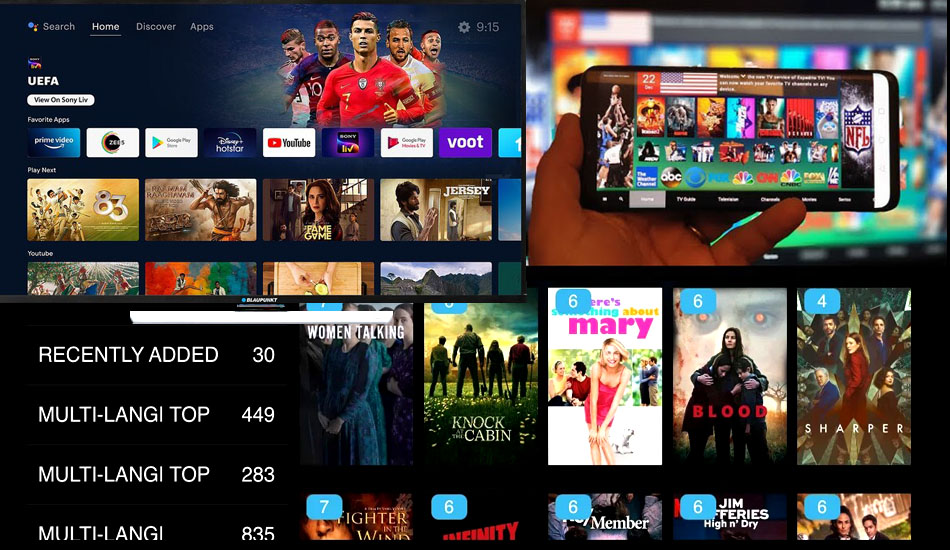
Note: Some apps (like Smart IPTV) offer a short trial, then require a one-time activation.
⚙️ IPTV UK Services – Complete Setup Guide
📦 MAG Box / Enigma Devices
Here is your MAG Box / Enigma Device Setup Guide:
Step 1 – Open Settings on Your MAG Device
⚙️ Go to System Settings → Servers → Portals.
Step 2 – Enter Portal Information
📝 Portal 1 Name: IPTV UK Services
🌐 Portal 1 URL: (Use the link from your welcome email)
Step 3 – Save and Reboot
💾 Save your settings → 🔁 reboot the device.
📡 Your IPTV portal loads automatically.
Step 4 – Start Watching
🎮 Navigate with your remote and enjoy live TV instantly.
⚙️ IPTV UK Services – Complete Setup Guide
🍎 iPhone / iPad (iOS)
Here is your iPhone / iPad (iOS) Setup Guide:
Step 1 – Go to the App Store
🔍 Search Smarters Player Lite or GSE Smart IPTV.
⬇️ Download and install the app.
Step 2 – Enter Your Details
▶️ Launch the app → Add Playlist via Xtream Codes Login.
📝 Input the URL, username, and password provided.
Step 3 – Start Streaming
⌛ Wait for channels to load, then start enjoying HD and 4K content.
Note: Always keep your app updated for the best performance.






⚙️ IPTV UK Services – Complete Setup Guide
💻 Windows / Mac PC Setup
Here is your Windows / Mac PC & Laptop Setup Guide:
Option 1 – VLC Media Player
⬇️ Download VLC from videolan.org.
📂 Open VLC → click Media → Open Network Stream.
🔗 Paste your M3U URL and press Play.
🎬 Enjoy watching your channels instantly.
Option 2 – IPTV Smarters for PC
🌐 Visit the official Smarters website.
⬇️ Download the Windows / Mac version.
⚙️ Install and open the app.
🔑 Log in with your Xtream Codes credentials.
💡 Pro Tip: Keep VLC or Smarters on “Always on Top” for multitasking while you watch.
⚙️ App Recommendations & Setup Guide
📱 IPTV Apps (Smart STB, TiviMate, IPTV Smarters Pro)
Here are App Recommendations:
IPTV Smarters Pro
🧩 Works on Android, Fire TV Stick, iOS, and PC.
📅 Supports multiple profiles and EPG (Program Guide).
⚙️ Setup: Login → Xtream Codes → Add credentials → Enjoy.
Smart STB
🖥️ Ideal for Smart TVs.
🔁 Emulates a MAG box for seamless performance.
⚙️ Setup: Get MAC address → Activate on Smart STB portal → Enter IPTV URL.
TiviMate Player
📦 Best for Android TV and Boxes.
⭐ Offers EPG, multi-playlist, and favorites.
⚙️ Setup: Add Playlist → Enter M3U URL → Sync EPG.
🛠️ Common Issues & Quick Fixes
🛠️ Common Fixes, Troubleshooting & Tips
Here is your Troubleshooting & Optimization:
Common Issues & Quick Fixes
🐢 Buffering? Checkthe internet speed or restart your router.
🔇 No Audio / Video? Switch player type (VLC, Exo Player).
❌ Invalid Login? Double-check username and password.
💥 App Crashes? Clear the cache and update the app.
Streaming Optimization
📶 Use a 5 GHz Wi-Fi network.
🧹 Close unused apps on your device.
🛡️ Use a VPN for better privacy and unrestricted access.
🧼 Maintenance Tips and 🌍 Service Coverage
🧼 Maintenance Tips
🔁 Restart your device once a week to refresh the cache and performance.
📥 Update apps monthly to access new features.
🔐 Always save your M3U link and credentials securely.
🌍 Global Coverage
🇬🇧 IPTV UK Services supports users from the UK, Europe, the USA, Canada, and many other countries.
⚡ Our servers automatically connect you to the nearest location for faster streaming and less buffering.
testimonials
Hear From Our Happy Clients
Our clients consistently praise our IPTV service for its reliability, exceptional streaming quality, and outstanding customer support.
“Affordable and reliable IPTV service. Perfect for sports and UK channels.”

Alyssa Keeler
Bristol
“With this IPTV service, I never miss my favorite shows or live sports. It’s a game-changer!”

Chloe Wilson
Bristol
“The quality and affordability of this service are unmatched. I’m thoroughly impressed!”

Vera Reyes
Sheffield
“Finally, a reliable IPTV service that delivers on its promises. Highly recommend it to everyone!”

Tony Jones
Edinburgh
“This service is perfect for my family. The variety of international channels and the HD quality are fantastic.”

Annie Keim
Leeds
“Living abroad, I love being able to watch channels from back home. This service keeps me connected with my roots.”

Jamie Horton
London
“I was impressed by how smooth the streaming is, even during peak hours. It’s reliable and worth every penny.”

Doris Bradham
Liverpool
“The Friends and Family Plan is perfect! Everyone gets to enjoy their favorite shows, and it’s so affordable. Thank you!”

Alex Palacios
Manchester
“Seamless streaming with no buffering. I love the variety of channels and the quality. Highly recommend IPTV UK Services!”

James Walker
Birmingham






FAQ
Frequently Asked Questions
Find answers to the most common queries about IPTV UK Services. We’ve made it simple to understand how our IPTV plans work, what’s included, and how you can start streaming instantly. From setup to support, everything you need to know is right here — clear, quick, and reliable.
How to Get Your Subscription?
IPTV Setup in 3 Easy Steps
Getting started is quick and effortless. Follow our simple 3-step process to choose your plan, activate your service, and start enjoying IPTV within minutes.
Select Your Plan
Browse our IPTV packages and select the one that best suits your needs.
Secure Your Checkout
Complete the quick and secure payment process.
Start Watching
Receive your login details instantly and enjoy unlimited IPTV streaming.
Join IPTV UK Community
Become a Member Today!
Unlock unlimited entertainment with HD & 4K streaming, thousands of channels, affordable plans, and 24/7 support. Stream anywhere, anytime—become a member now! 🚀
highly attractive, customer-focused version
Enjoy the Best IPTV Experience — Quality You Can Trust
At IPTV UK Services, we bring you nonstop entertainment with powerful performance and unbeatable reliability. Stream live sports, movies, and TV channels in crystal-clear 4K with zero buffering and instant activation — satisfaction guaranteed.
98%
Satisfied Viewers
4.8+
User Rating
8.1K+
Active line
120+
Country
14+
years
of experience

Start Your IPTV Subscription with IPTV UK Services
Get Your Subscription Today
IPTV UK Services — your home for reliable, high-quality IPTV streaming.
Subscribe now to enjoy fast, stable service with access to premium UK and international channels, movies, sports, and more.
We’re here to provide smooth, buffer-free entertainment for you and your family.